

| Database Toolbox | |
Tables
Select the Tables that contain the data you want to import.
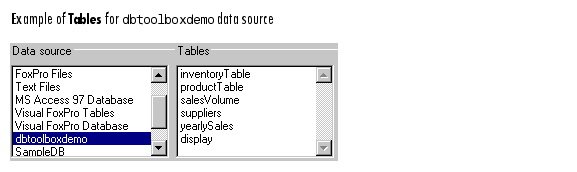
The list includes all tables in the Data Source you selected.
To select more than one table, Ctrl+click or Shift+click on the tables in the list.
After selecting a table, the fields in that table appear. You can then select those fields whose data you want to import. For more information, see Fields.
See Also
| | Data Source | Fields | |