| Neural Network Toolbox | |
Importing from the Command Line
To make thing simple, quit MATLAB. Start it again, and type nntool to begin a new session.
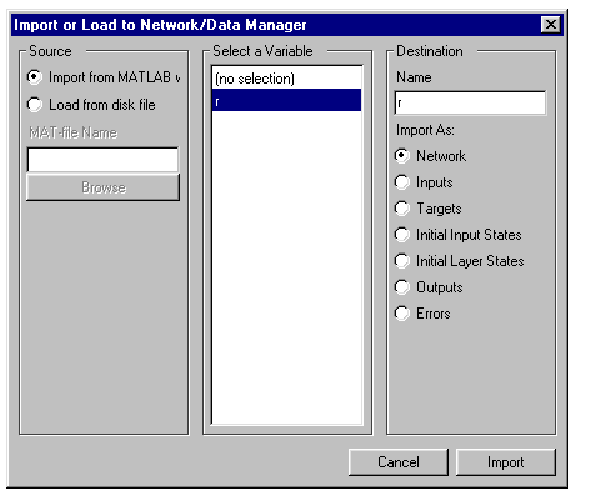
Now click on Import, and set the destination Name to R (to distinguish between the variable named at the command line and the variable in the GUI). You will have a window that looks like this
Now click Import and verify by looking at the Network/DAta Manager that the variable R is there as an input.
| | Clear Network/Data Window | Save a Variable to a File and Load It Later | |